
Virtual reality for training and instruction
VR Training: Practice What Is Expensive or Dangerous in Real Life
With a VR headset, your employees practice procedures until they stick. They make mistakes, see the consequences and repeat the step. Nobody gets hurt, and no machine stands idle.
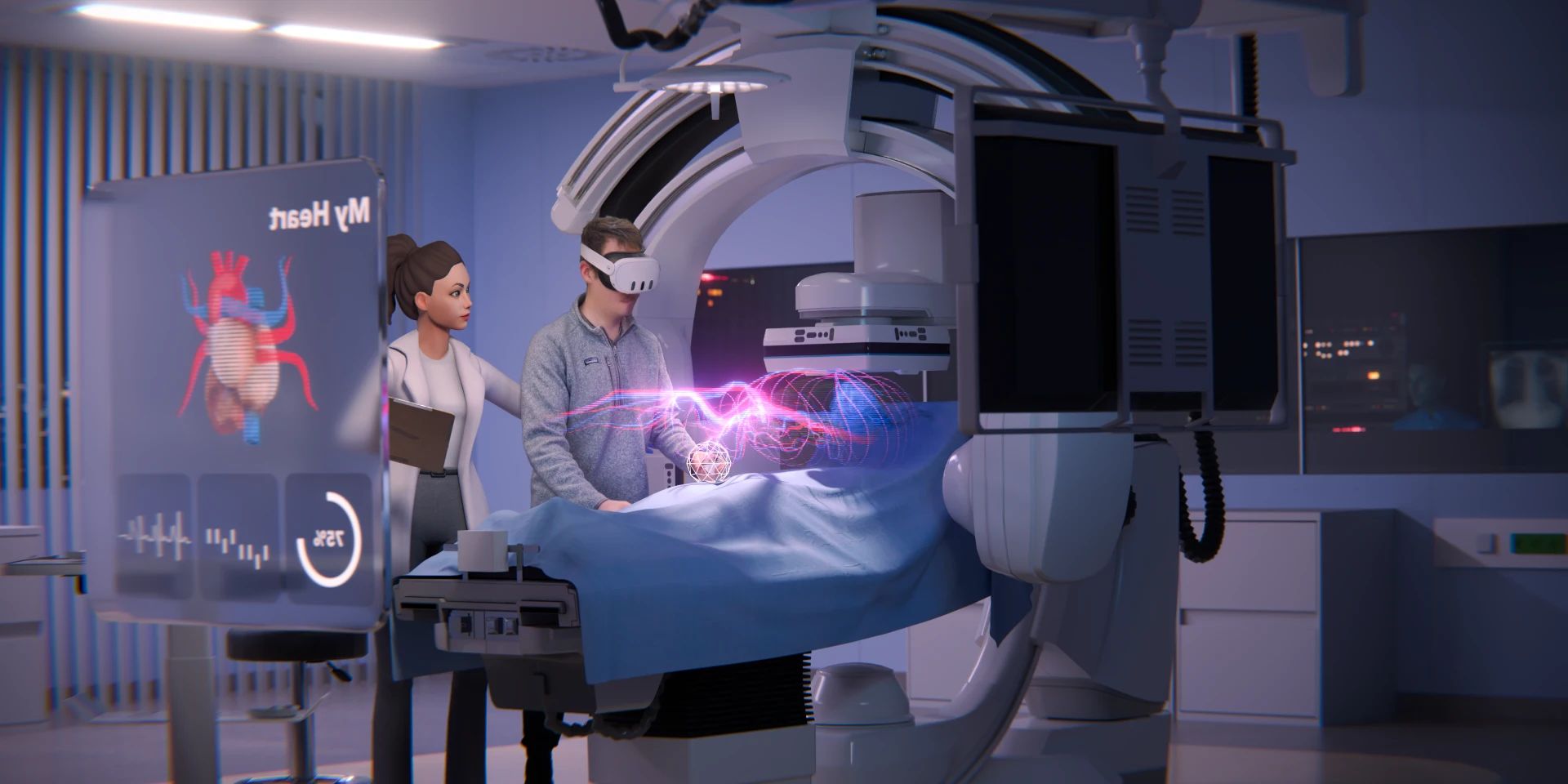
Among others for





When VR training pays off
A VR training application is built once and can then be run as often as you like, at every site. Learners using VR headsets perform better on average and retain more, according to a meta-analysis of 35 studies. In a PwC study, employees learned up to four times faster in VR than in the classroom. Does one of these cases apply to you?
Instruction that comes around again
The whole workforce repeats it regularly. In VR, every session is equally thorough, and the result is documented.
Staff who change often
Agency and temporary workers, seasonal staff, new shifts: the headset explains things as thoroughly the hundredth time as the first.
Trainers short on time
Employees practice on their own in the headset. Trainers focus on the questions only they can answer.
E-learning is not enough
Rules are learned on screen. In VR, people act, practice and show in a final test that it sticks.
Machines that must keep running
Machine, lab or vehicle are ready in the headset at any time. Practice happens without stopping production.
Dangerous or rare
Fire, malfunction and emergencies can be triggered as often as you like. Mistakes have no consequences, but they stay in memory.
Getting started and costs
What VR training costs
Every training application is built for your procedures and your equipment. That is why we quote a price as soon as we know your plans. It almost always starts with a prototype: the most important procedure, tested with your employees. After that, the training grows in stages, each usable on its own. So far we have stayed within the quoted budget on every project.
Number of procedures
One procedure with a few steps costs less than several procedures with roles and error cases.
Level of detail
The more closely surfaces, movements and processes have to match the original, the greater the effort.
Existing material
CAD data, photos and documented procedures save work. What we need from you.
Integration
Documenting results locally is simpler than passing them to your learning software through an interface. You buy VR headsets or rent them from us for applications we have built.
Training applications we have built
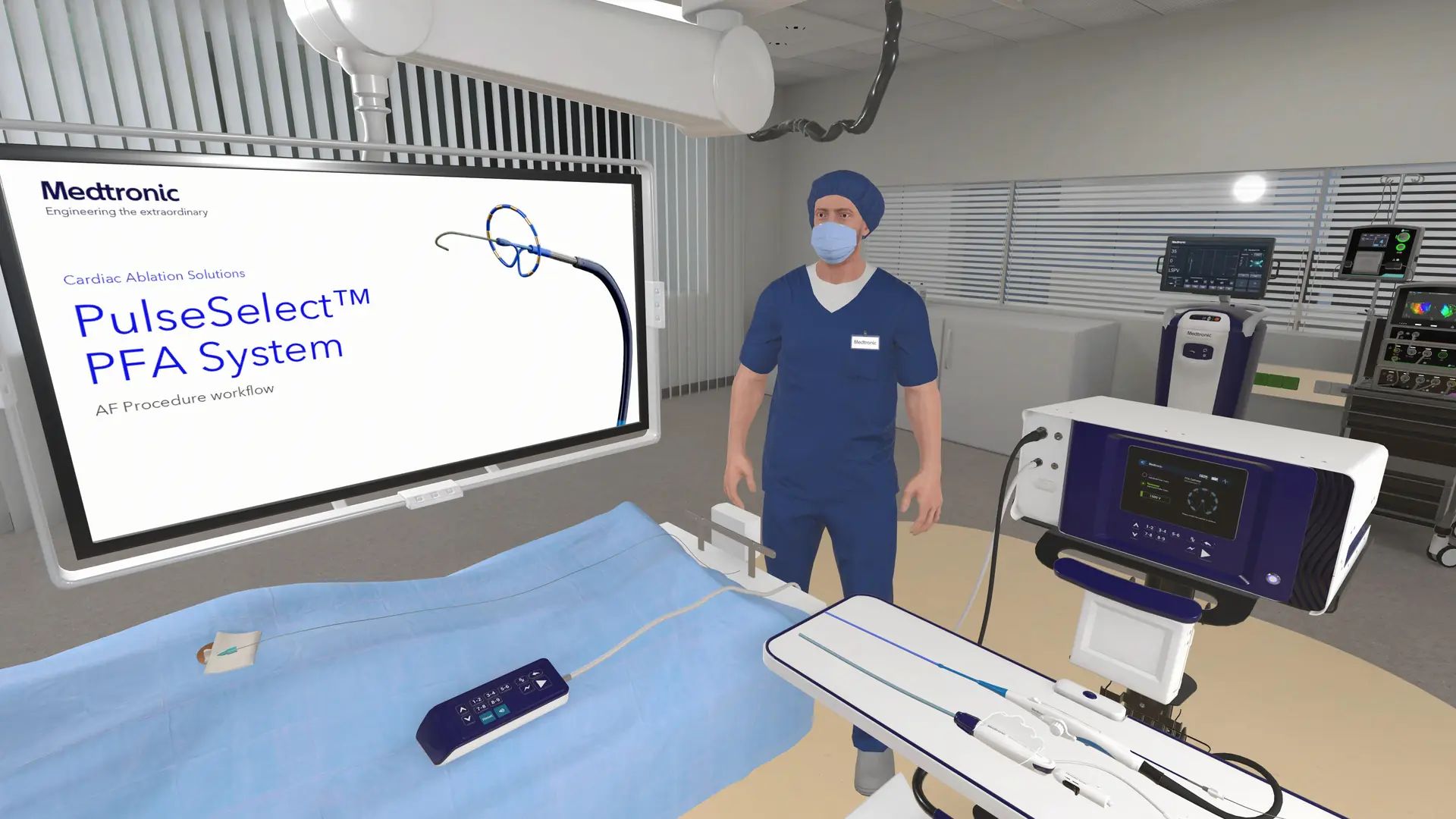
Medicine and Medical Devices
For Medtronic, physicians practice a heart procedure in VR. Sales uses the same application for product demonstrations.
Medtronic case study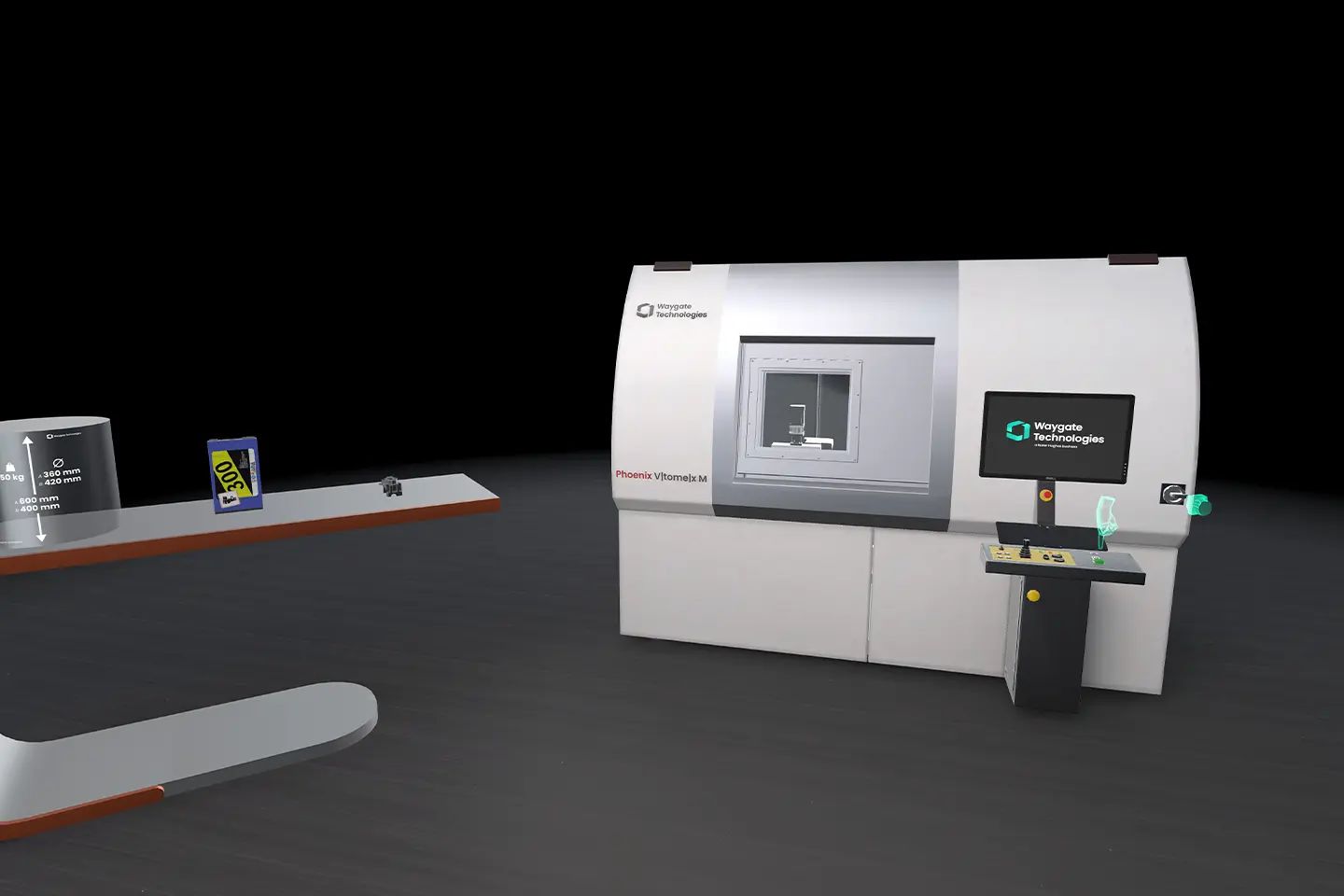
Operating Machines and Systems
Waygate Technologies trains operators of X-ray inspection systems worldwide, and nobody has to travel.
Waygate case study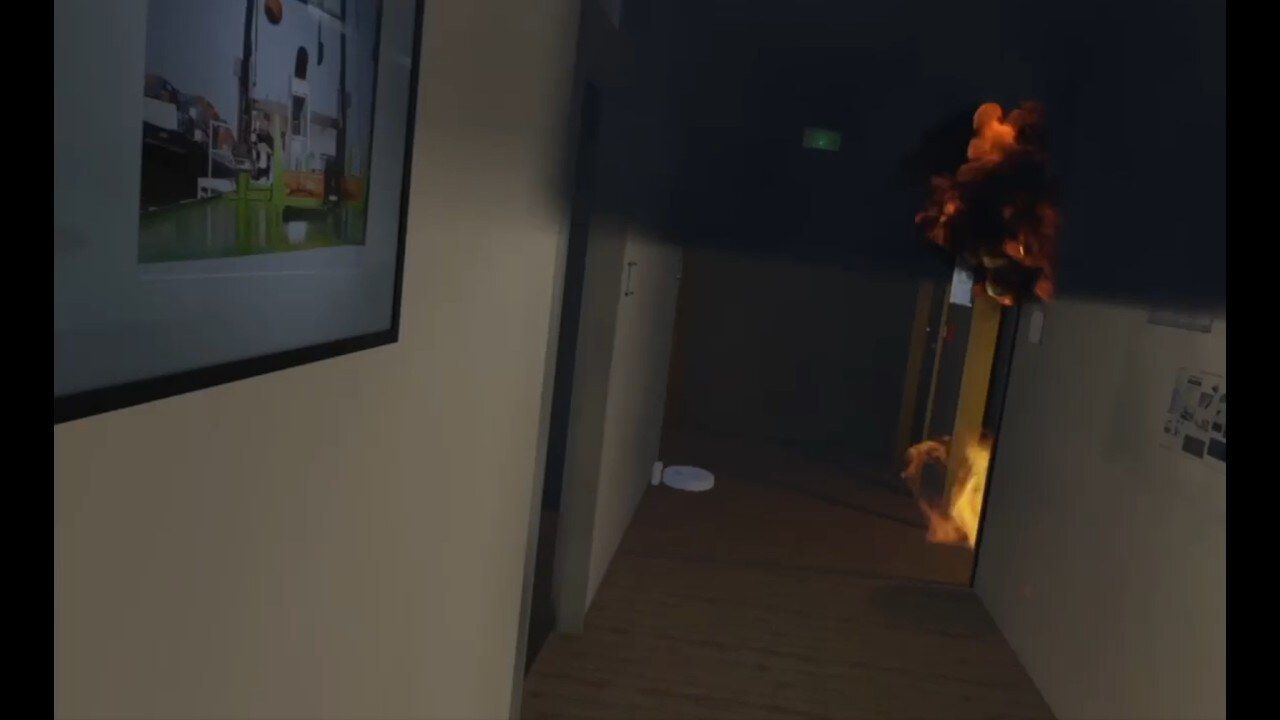
Fire safety and evacuation
For the Hamburg Port Authority, we recreated their own building. Employees practice evacuating in case of fire, with smoke the way firefighters know it.
Case study: Hamburg Port Authority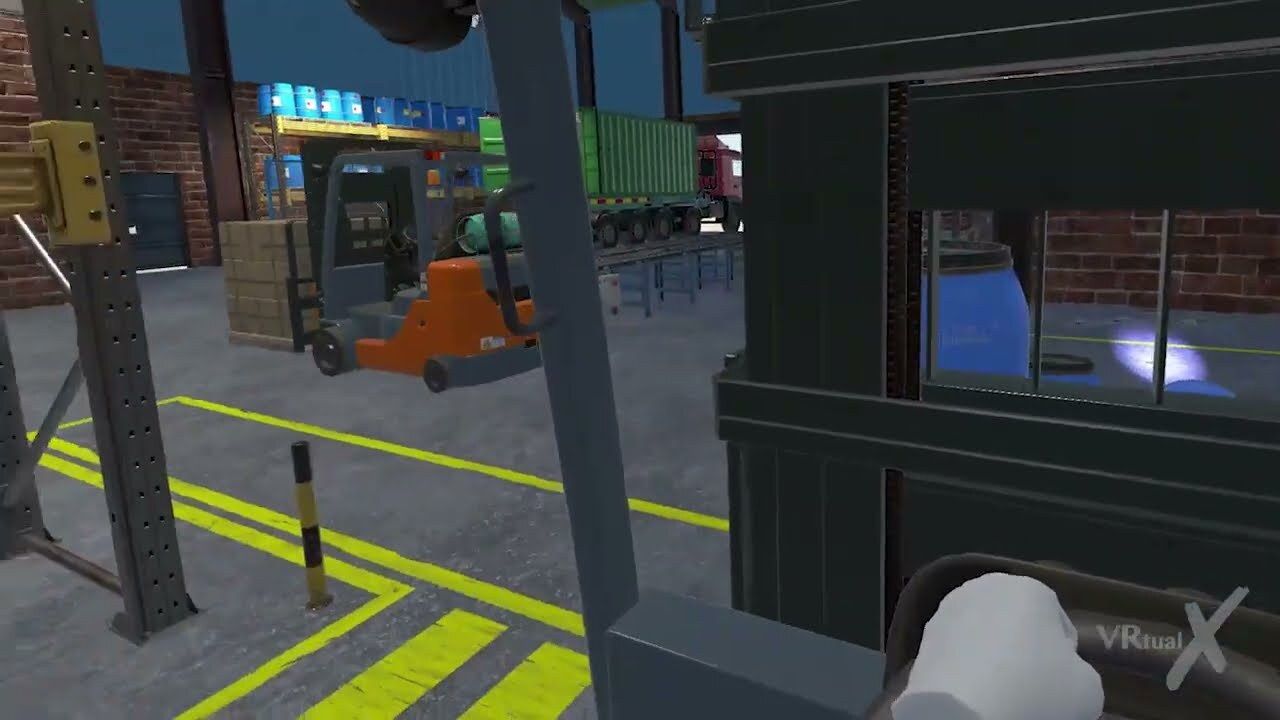
Vehicles and logistics
In forklift training, drivers pick up loads, maneuver through the warehouse and set the goods down, with no risk to people or material.
Case study: forklift training
AlsoStartklar: occupational safety and preventionAurubis: apprenticeships
Our approach
As individual as custom work, as fast as a prefabricated house
There are off-the-shelf VR training products and do-it-yourself VR kits. We deliberately chose a different path, because both have a problem: they either fall short or are too rigid.
Off-the-shelf training
For standard cases such as fire extinguisher practice, it is enough. For everything else, it often does not fit the company. The application is then used only to a limited extent or dropped again soon.
Problem: too rigid
Construction kits
Configuring it yourself sounds good but rarely works out in practice the way you expect. Custom orders usually follow, and costs rise after the fact.
Problem: more expensive than planned
Our app foundation
We have developed an app foundation made up of many individual elements and, over ten years, built a large library of objects and functions. From these, we create an application that fits you exactly, in a short time. One example: for the Hamburg Port Authority, we recreated their own building this way so that employees can practice evacuation from their own desks.
Hamburg Port Authority case study
Result: individual, fast, predictable
Process
How your training application is built
Try it and understand it
We come to you, and you test existing training applications on the headset, free of charge. Then we work out which procedures are suited to VR.
Result: proposal
Planning and analysis
With your subject matter experts, we define learning goals, steps and error cases.
Result: concept and project plan
Development
We develop in small steps. Your trainers test early and give feedback along the way.
Result: finished training application
Handover and training
We train your trainers and help bring the application into daily use.
Result: in daily use
Questions about VR training
Does VR training pay off?
Usually when many employees practice the same procedure or when real-life practice is expensive. VR training costs more than a slide deck, but it is built once and can then be run as often as you like. The more employees use it, the less each run costs.
No travel: ship headsets instead of bringing participants to the training center. No downtime: the real machine keeps producing while people practice. Less material: workpieces for welding or disassembly exist virtually. Trainers have time: the headset handles repetition, your team handles questions.
Learning outcomes add to that: according to a meta-analysis of 35 studies, learners using VR headsets perform better on average. In a PwC study, employees learned up to four times faster in VR than in the classroom.
Does VR replace classroom training or e-learning?
No, it complements both. Classroom training thrives on exchange with experienced trainers and work with real material. E-learning conveys facts and rules quickly, any time at the computer. In the VR headset, your employees act on them: they practice hand movements, experience dangerous and rare situations, make mistakes without consequences and prove in a final test that the procedure sticks. That is how knowledge becomes skill.
Buy off-the-shelf training or have it built?
For standard cases such as fire extinguisher practice, off-the-shelf training is often enough. For your machines, procedures and buildings, it rarely fits. Do-it-yourself kits sound flexible but usually lead to custom orders. We build from our own app foundation, so custom training is ready quickly and costs are predictable.
More: Buy off-the-shelf VR training or have it custom built?
Can we start small?
Yes, and we recommend it. A first training application with one procedure or a prototype shows how your employees take to it. After that, the application grows step by step.
What does VR training look like day to day?
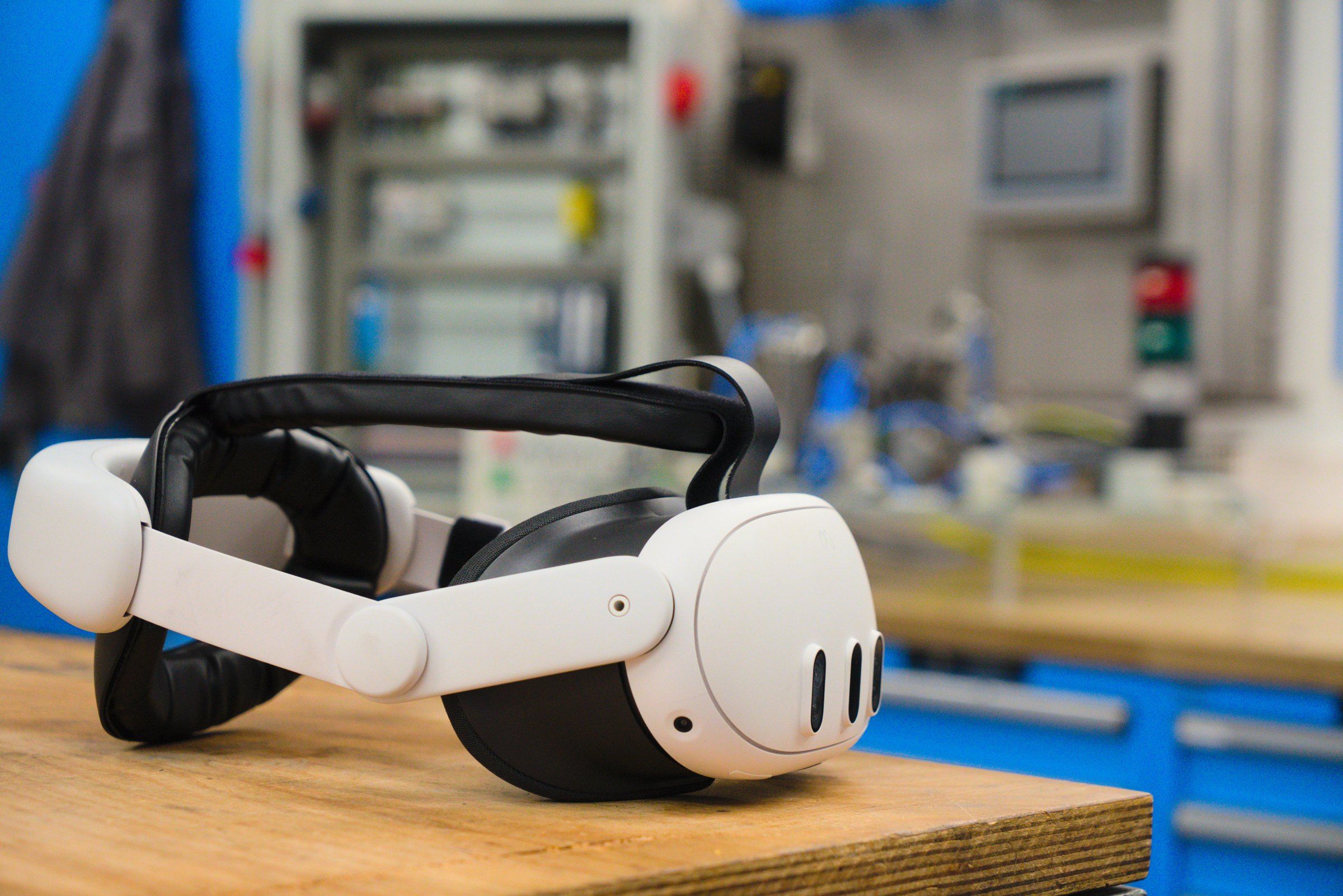
Standalone VR headsets need no computer, usually no internet and no dedicated IT. Each headset is a labeled set with charging cable and cleaning cloth; from about five devices, there are cases in which all headsets charge at once. A meeting room is enough.
On request, the training starts right after switching on, without a menu. Trainers and colleagues can watch along on a tablet or screen. Employees practice with a trainer, in a group or on their own. A final test in the headset can show whether the procedure sticks.
How much space do we need?
At least 1 × 1 meter of free space per headset, better 2 × 2 meters. A regular meeting room is enough.
How long should a VR training session last?
For people without VR experience, we plan sessions of up to about 20 minutes. After 20 to 30 minutes, concentration drops, and a break of 10 to 15 minutes helps. Experienced users wear the headset for 30 to 60 minutes at a time.
Does the training also run without a VR headset?
On request, it also runs on a computer. It can also be integrated into your learning platform: sessions and final tests are passed through an interface to the software you use to document training.
Can results be documented?
Yes. Sessions and final tests can be documented locally or passed through an interface to software used to document and certify training.
How many VR headsets do we need?
For one-on-one instruction, we recommend at least two devices so that one is always ready. For group training with longer sessions, every participant needs a headset, plus one for the trainer and spares.
Do we need special IT?
No. Standalone headsets such as the Meta Quest 3, the Apple Vision Pro or the Samsung Galaxy XR run without a computer. Wi-Fi is enough for updates. If corporate IT does not allow that, a mobile hotspot will do.
How do we manage many headsets?
With device management software, you push content and updates to all headsets centrally. With a few headsets, offline management by cable also works.
Which procedure needs to stick?
Tell us what your employees should practice. We will tell you whether VR is the right tool and what it costs. We are also happy to show you existing training applications on the headset first, free of charge and on site at your company.
 Your contactTim B. Frank Founder and Managing Director
Free intro call
Picking a day opens the Calendly booking calendar. This sends data to Calendly. Privacy