
Interactive 3D on a touchscreen
Your Product, Hands-On: Interactive 3D on a Touchscreen
Visitors rotate your product with a finger, open details and pull it apart. No VR headset, no briefing, and several people watch at once.
Try it live
This Is How It Feels: Rotate, Open, Pull Apart
This is the same application that runs on the touchscreen. It works best on a phone or tablet, with your finger.
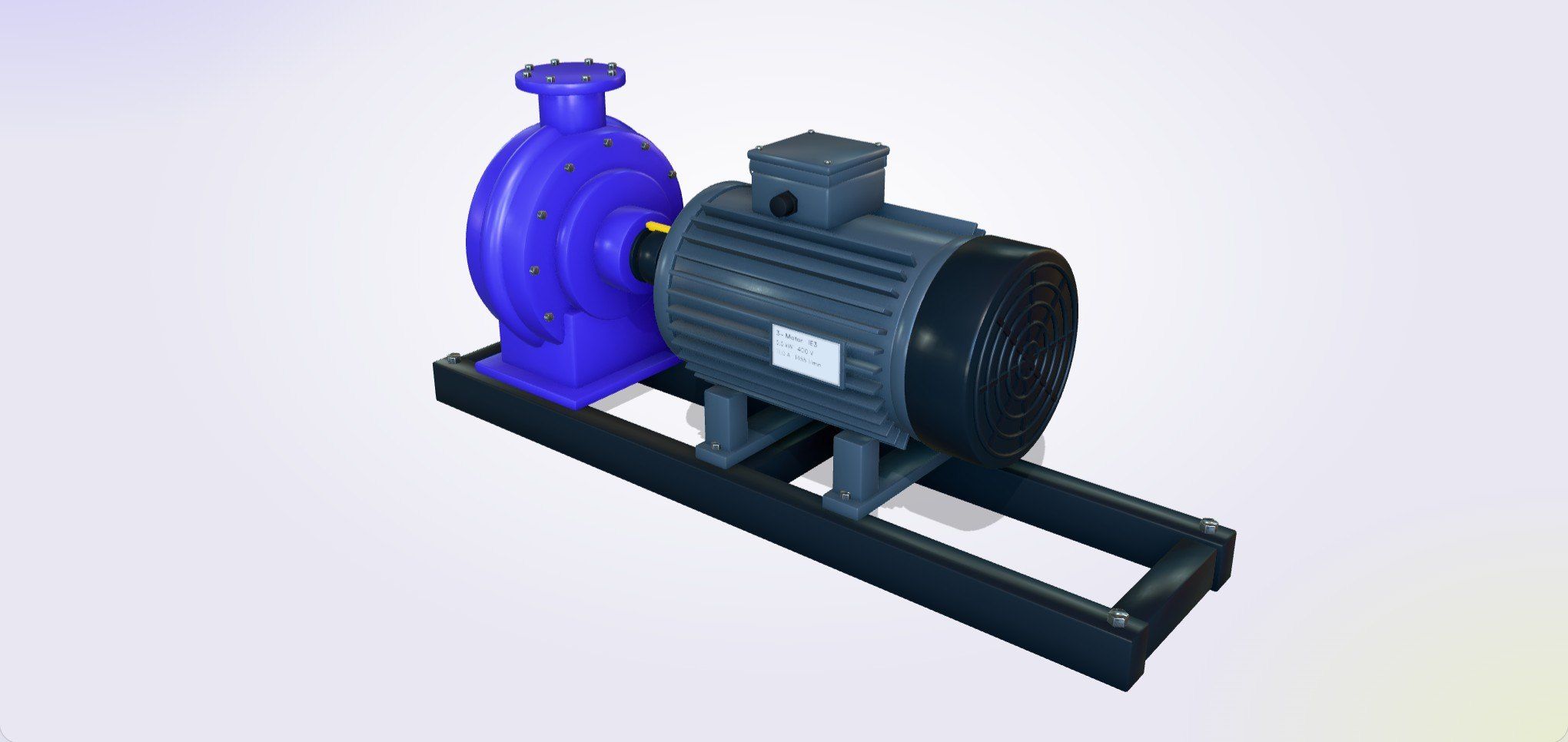
3D exhibit Sample product: centrifugal pump with motor
Rotate the product, open the info points and pull it apart. In the browser, no app needed.
Sample model, built by us. Your showroom shows your product from your data, with info points made of text, images or video.
Where to use it
Where a Touchscreen With 3D Works
Wherever people should stop and your product cannot speak for itself: because it is too large, too heavy, not built yet or hides its inner workings.
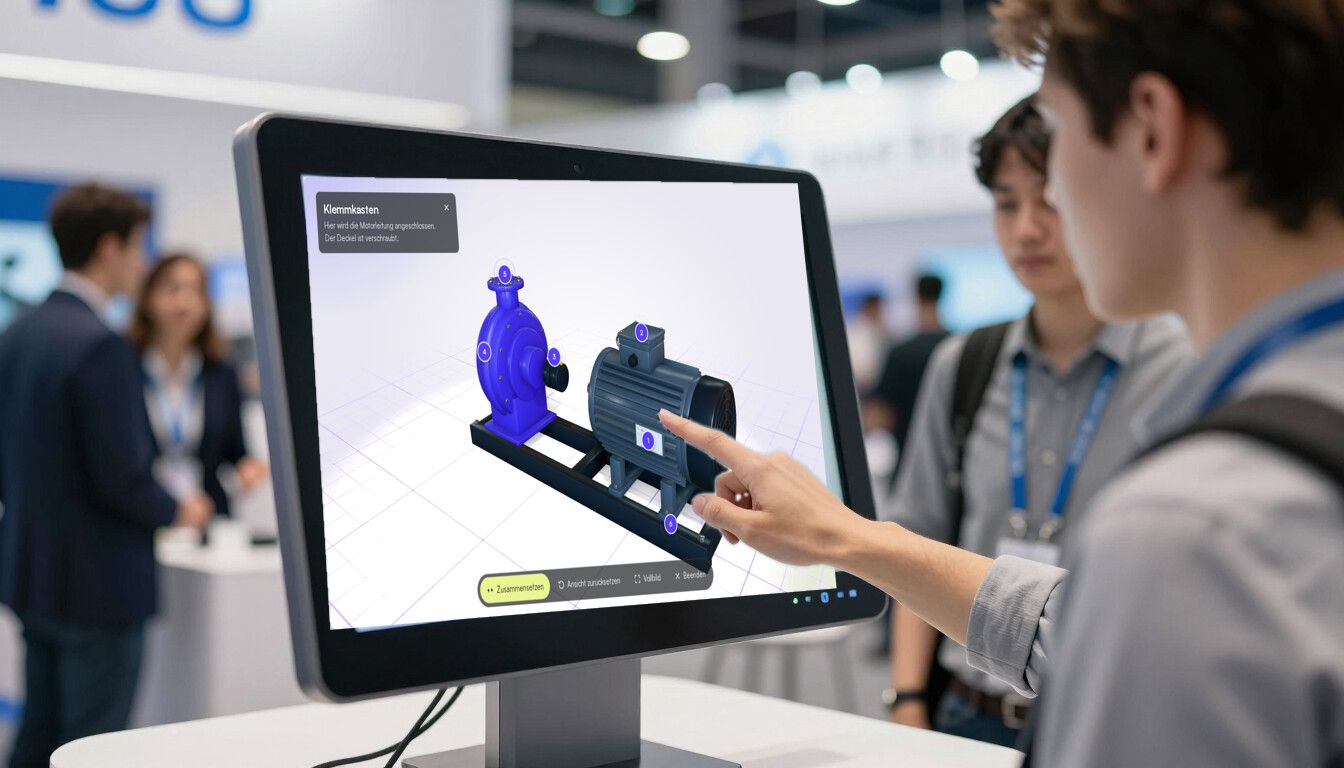
Trade show booth
The screen pulls visitors out of the aisle. They operate it themselves, and your team joins the conversation as soon as questions come up.
Showroom and lobby
Your whole range on one screen, including the machines that are not in the room. Visitors explore it while they wait.
Sales meeting
On the large screen in the meeting room or on a tablet at your customer’s. You show what is otherwise only in the catalog.
Training room
Explain the structure and function of a device on the model before moving on to the real equipment.
No meeting, no obligation
You write two or three sentences. We reply with a specific suggestion.
- You describe your project Keywords are enough.
- We reply Usually within one business day.
- You have a suggestion What fits, how long it takes and which case studies match.
Tim B. Frank and Matthias Wolk read your message themselves.



Build once, use many times
The Same Application Then Runs by Link at Your Customer’s
The application runs in the browser. So it does not end with the trade show: you embed it on your website and send it to prospects as a link.
With Link & Show, you present your product in a meeting. Your customer opens the link and sees what you show at the same moment, while you talk in Teams or on the phone.
- At the booth: touchscreen, tablet or large display
- After the show: on your website and by link in sales
- Where true size matters: the same model in a VR headset
Decision aid
Touchscreen or VR Headset?
Both are built from the same 3D data. Many customers start with the touchscreen and add the VR headset where true size matters.
| Aspect | Touchscreen | VR headset |
|---|---|---|
| Who watches | Several people at once | One person, a screen mirrors the view |
| Getting started | Right away, no explanation | Short briefing by your team |
| Experience | Product as a model in your hand | Product at true size, you stand in front of it |
| Space | A table or stand | At least 1 × 1 meter, better 2 × 2 meters per headset |
| After the show | Keeps running on your website and by link | Keeps running in sales and training |
Questions About Interactive 3D on a Touchscreen
What does a 3D application for a touchscreen cost?
A single product as a 3D exhibit with info points costs from €1,500 and is ready in 2 to 4 weeks. A 3D showroom with several products and Link & Show costs from €8,000. All packages are on the 3D showroom page.
What data do you need from us?
CAD data or 3D models of your product, plus texts, images or videos for the info points. We prepare the data for real-time display. If there is no 3D model yet, we build it from photos and drawings.
Which devices does the application run on?
On touchscreens, tablets, laptops and smartphones with a current browser. Nobody has to install an app. We use the same 3D data for the VR headset and the 3D display without glasses.
Can we also use the application in sales and on our website?
Yes, that is the usual case. You embed the product on your website and present it in meetings with Link & Show: your customer opens a link and sees what you show.
Can it be a configurator with variants and colors?
Yes. Visitors choose features, colors and accessories, and the product changes in real time. More on the 3D product configurator page.
What Should Your Visitors Touch?
Tell us which product you want to show and where the screen will stand. You will get a specific suggestion.
 Your contactTim B. Frank Founder and Managing Director